App screenshot mockups.
Free mockup generator for App Store and Play listings. Upload screenshots, choose AI or preset backgrounds, download polished phone frames as a ZIP.
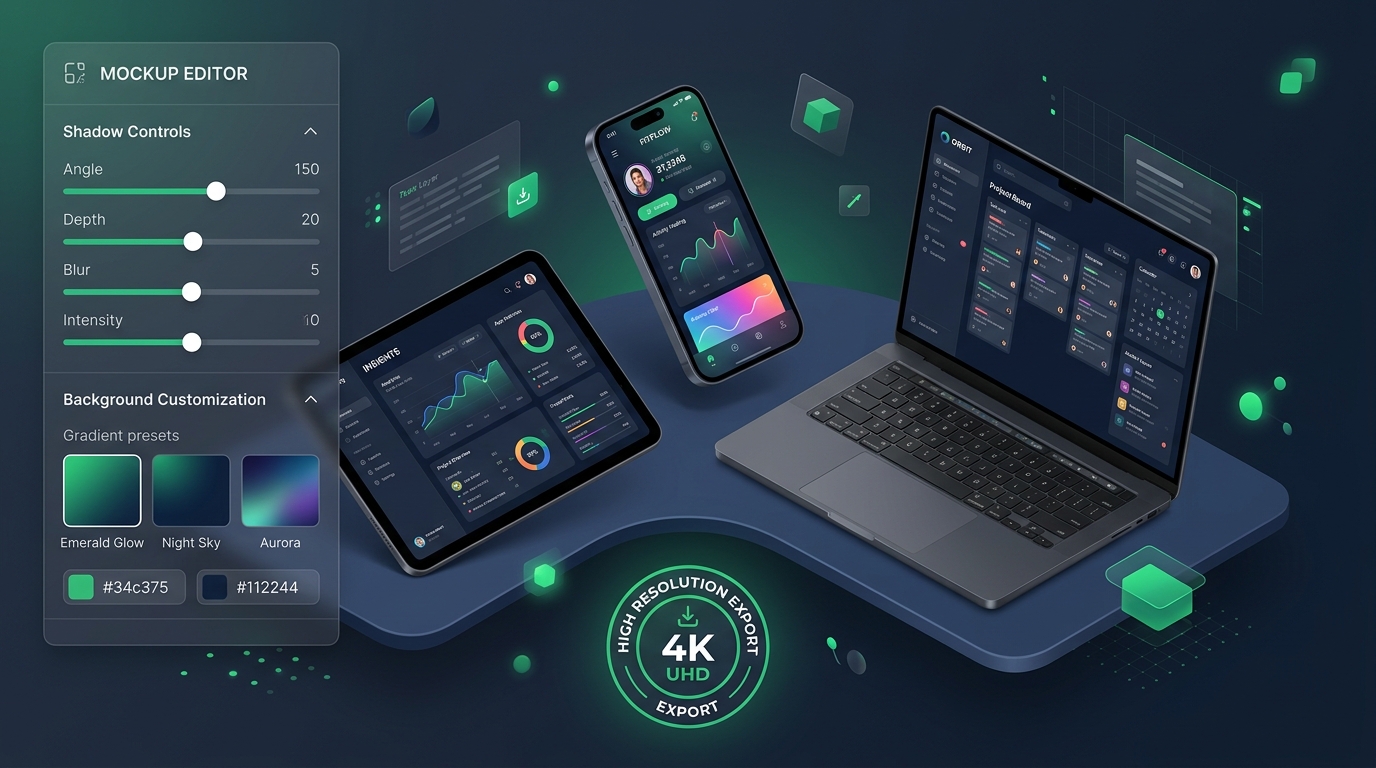
Device frames for a launch week, not a brand system
Drop screenshots into phone frames when you need Play Store shots, a Product Hunt tile, or a slide. Backgrounds are decorative. They will not fix a cluttered UI.
Use this after the product UI exists. If you need flows and a component inventory, that is a design engagement, not this tool.
Powerful Features
Everything you need to work smarter, built right into your dashboard.
Batch Upload
Upload multiple screenshots at once (PNG, JPG, or WEBP).
AI Backgrounds
Describe a background and generate it instantly for each mockup.
Phone Frame
Screenshots sit in a realistic device frame with shadow and notch.
Preset Backgrounds
Curated backgrounds for instant results without waiting on AI.
ZIP Download
Export all mockups as 1080x1920 PNGs in one ZIP file.
No Sign-Up Required
Everything runs in your browser. No account needed.
How It Works
Three simple steps to get started.
Upload Screenshots
Drag and drop app screenshots or browse to select multiple images at once.
Choose Backgrounds
Pick a preset background or type a prompt to generate a unique AI background.
Download as ZIP
Download polished 1080x1920 phone mockups in a single ZIP file.
Perfect For
Professional mockups in seconds.
Upload screenshots, let AI handle backgrounds, download stunning frames.
Try It NowFree to use. No sign-up required. Everything runs in your browser.
Create Your Mockups
Upload screenshots, pick backgrounds, customize devices, and export high-res mockups.
Upload Screenshots
Drop screenshots here or click to browse
PNG, JPG, WEBP up to 10 MB each. Upload multiple files at once.